 UniKDS
Kitchen Display System
Every kitchen order on one screen.
It works with the Uniwell POS you already have, and you own it outright. No menu to rebuild, no integration and no monthly fee. Once the license is activated, it keeps working whether or not the internet does.
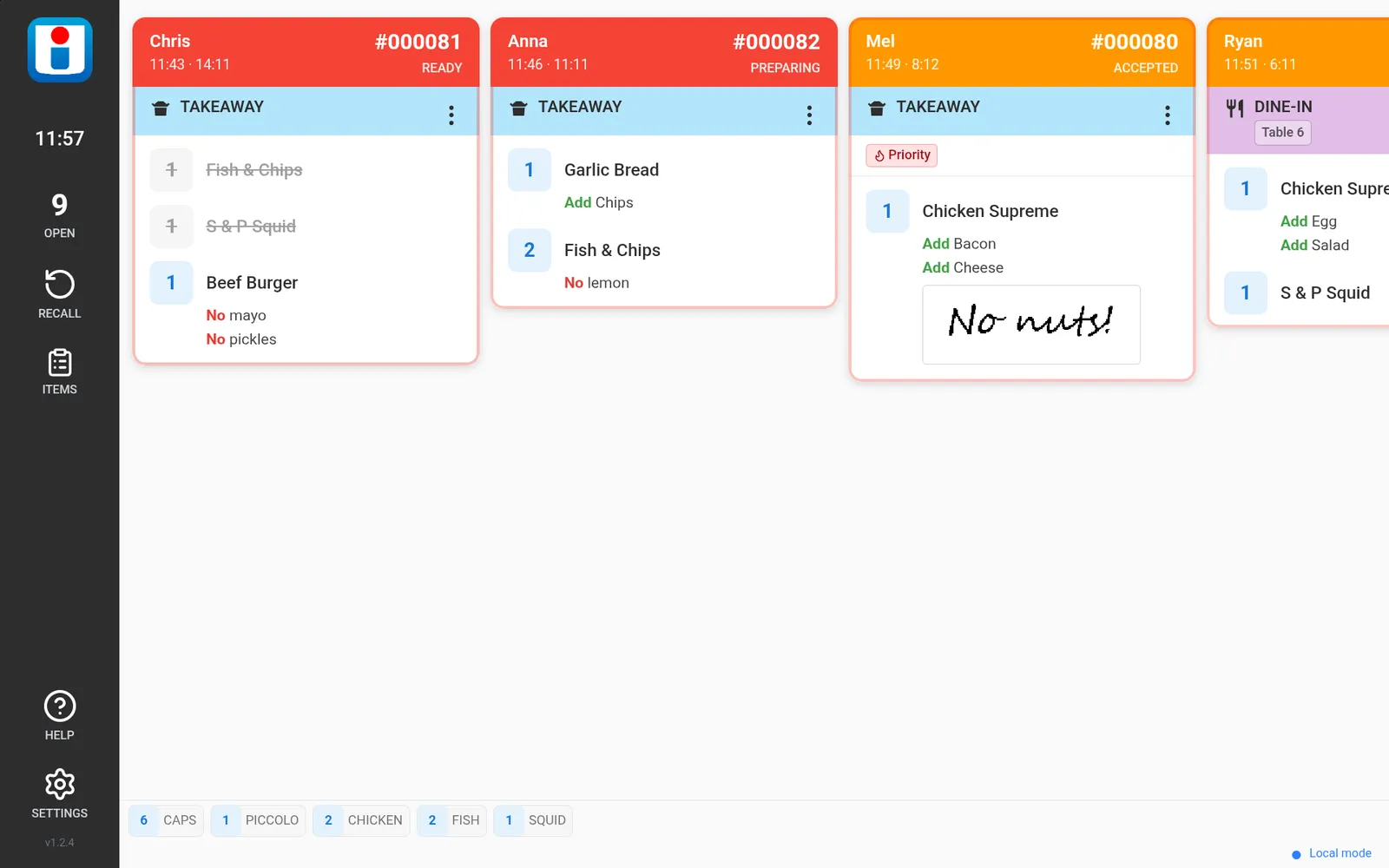
Installing it is the same job as adding another printer
Your POS sends its kitchen dockets exactly as it does today, so there is no product file to export and no menu to re-enter. Nothing is installed on the POS, and no other settings change. You can keep a printer running alongside the screen for as long as you want one.
- Install the app on a tablet and enter your license key.
- The screen shows its address on your network.
- In your POS, add that address as a network printer.
- Route your kitchen categories to it, exactly as you route them to a printer today.
What you need
A Uniwell POS
Built for the HX series, the AX series and APOS-MGP.
An Android screen
A tablet or commercial panel, typically 10" to 15.6", bought wherever you like. Android 8.0 or later; Android 14 or later recommended. The screen and the POS on the same network, by Wi-Fi or Ethernet.
One license per screen
Bought once, from your Uniwell dealer. There is no limit on how many screens a venue runs.